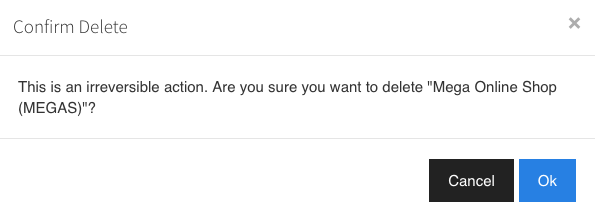
Manage Projects
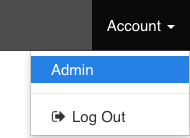
Click Account > Admin in the top right of featurelow
Select the projects Tab
Create a new project
- Click the 'New Project +' button next to the projects tab.
- Enter a name and a unique key to identify the project. The key must be a short 5 letter code with no special characters.
- Click Create Project
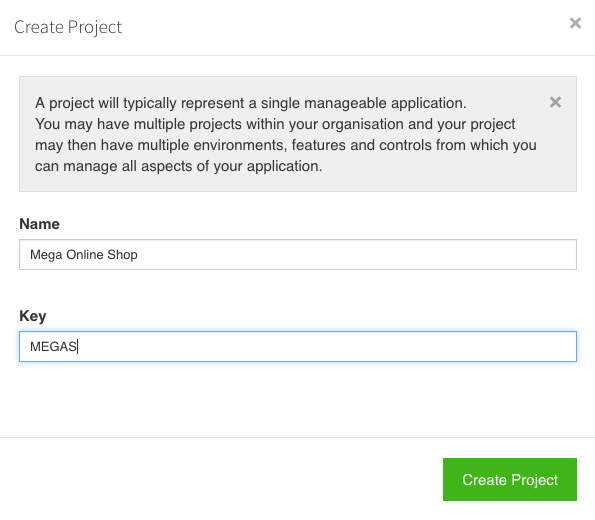
A new project will be created with some useful default including two environments and an example feature.
Edit project settings
Click the 'update project' link in the tab of the project you wish to edit.
Click the update project button to save your changes.
Delete a project
In the projects tab, click the 'Delete Project' button.
warning
Delete a project with care. Deleting a project is unrecoverable and will cause any applications using the project in all environments to drop to failover values.