Admin Audit
The Audit tab provides a comprehensive log of all recent changes across your projects and features. This allows you to track who made changes, what was changed, and when it happened.
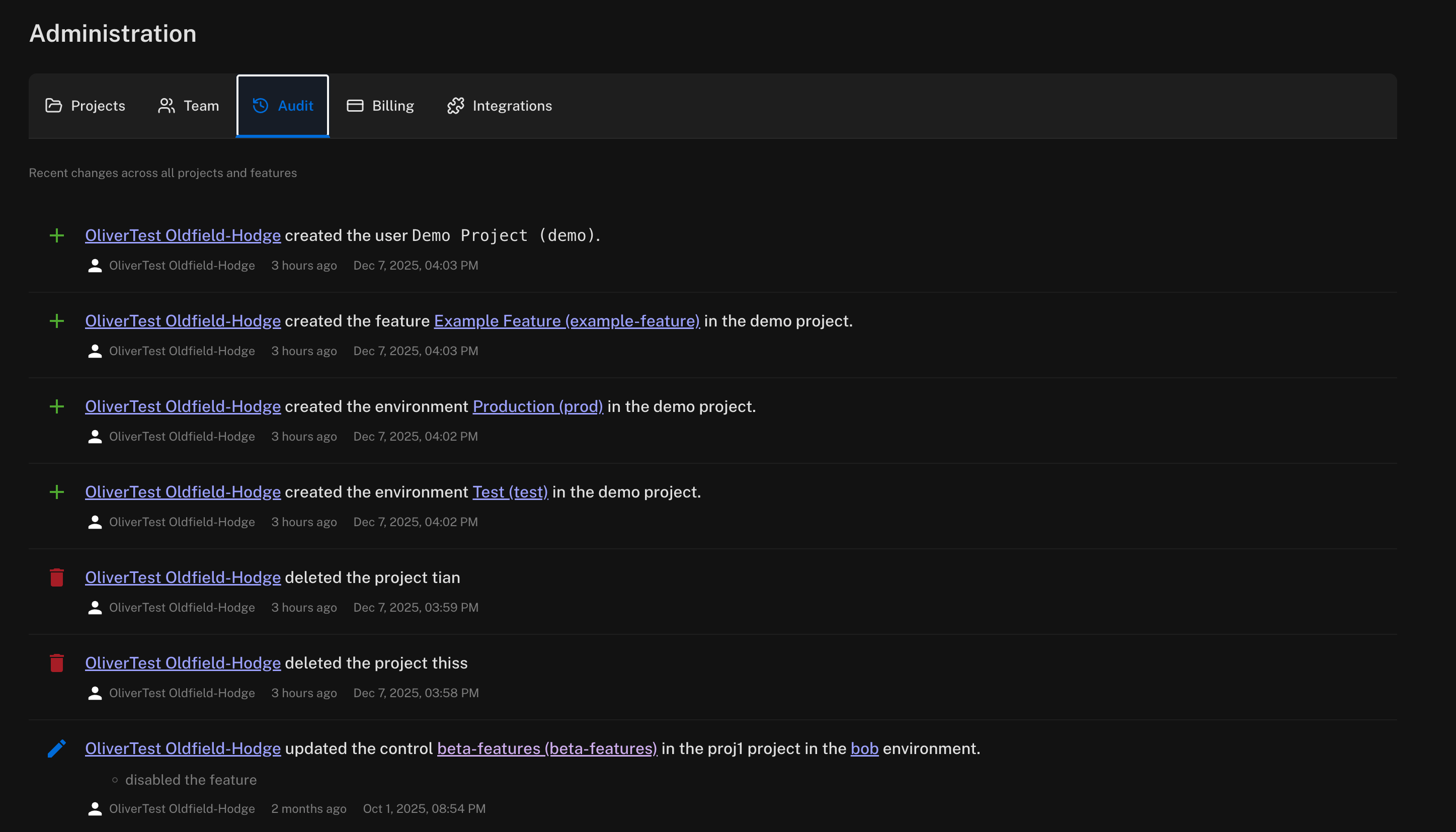
Each audit entry displays:
- Action type — indicated by an icon (+ for creates, trash for deletes, pencil for updates)
- User — the team member who performed the action
- Description — details of what was changed, with links to the relevant project, feature, or environment
- Timestamp — both relative time (e.g., "3 hours ago") and the exact date and time
The audit log tracks actions such as:
- Creating and deleting projects
- Creating and modifying features
- Creating and updating environments
- Enabling or disabling features
- Team member changes