Admin Billing
The Billing tab allows you to manage your subscription, view your current plan details, and monitor your usage.
Billing Information
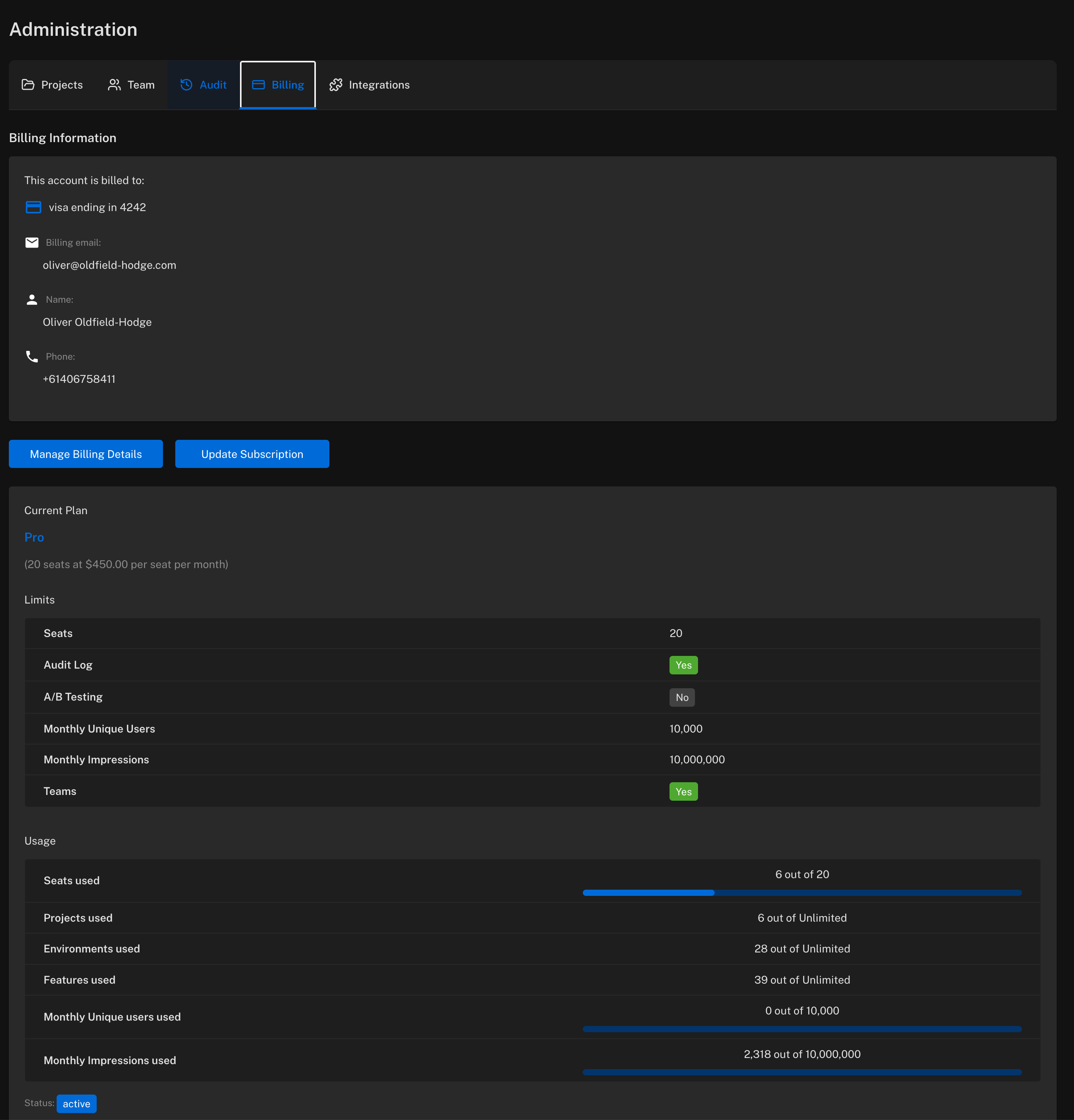
At the top of the page, you'll see your billing information including:
- Payment method (e.g., card ending in XXXX)
- Billing email
- Account holder name
- Phone number
Current Plan and Usage
The billing page displays your current plan along with your plan limits and current usage.
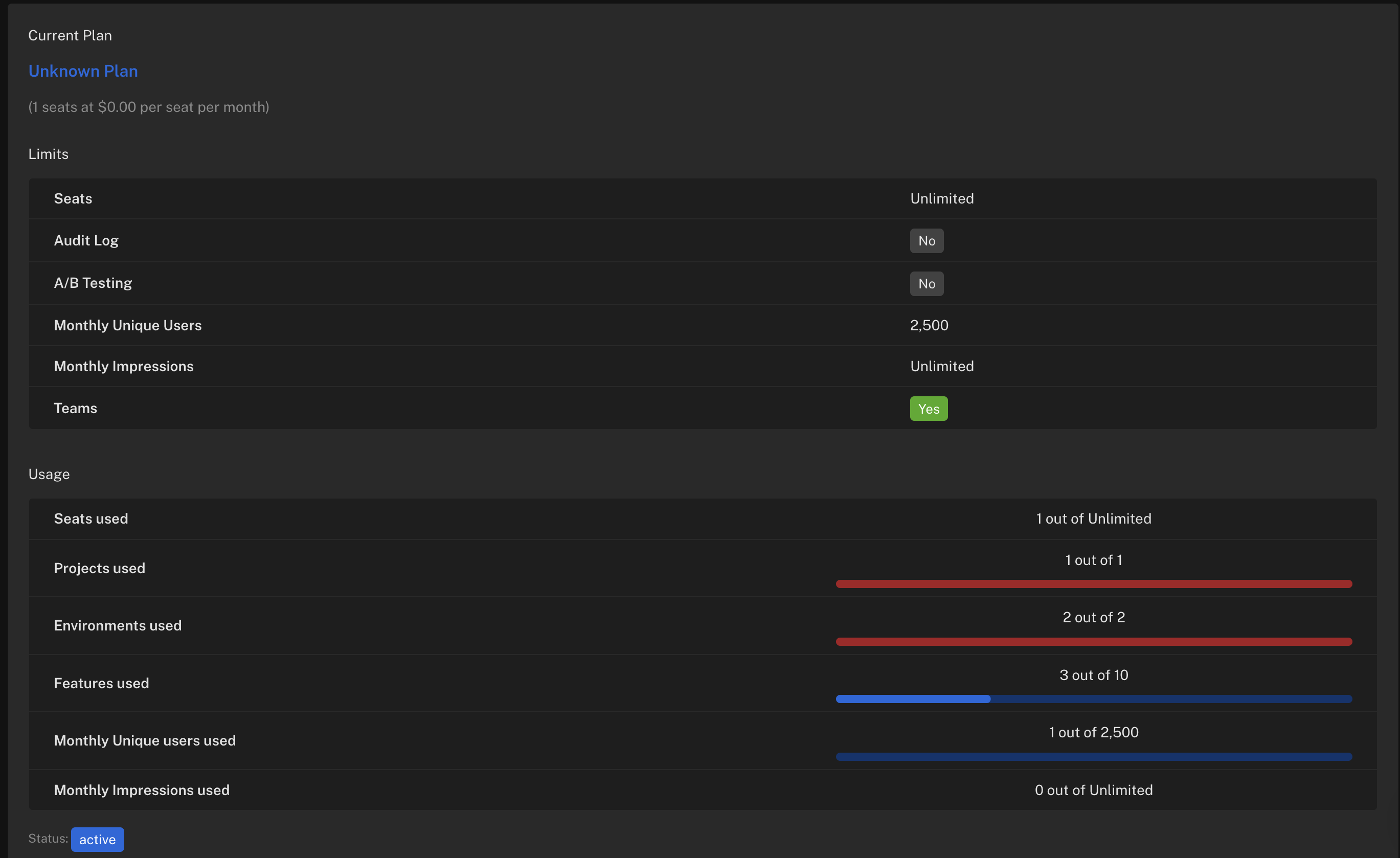
Limits shows what's included in your plan:
- Seats — number of team members allowed
- Audit Log — whether audit logging is enabled
- A/B Testing — whether experimentation features are available
- Monthly Unique Users — maximum unique users per month
- Monthly Impressions — maximum feature flag evaluations per month
- Teams — whether team management is enabled
Usage shows your current consumption against these limits with visual progress bars.
Managing Your Subscription
Manage Billing Details
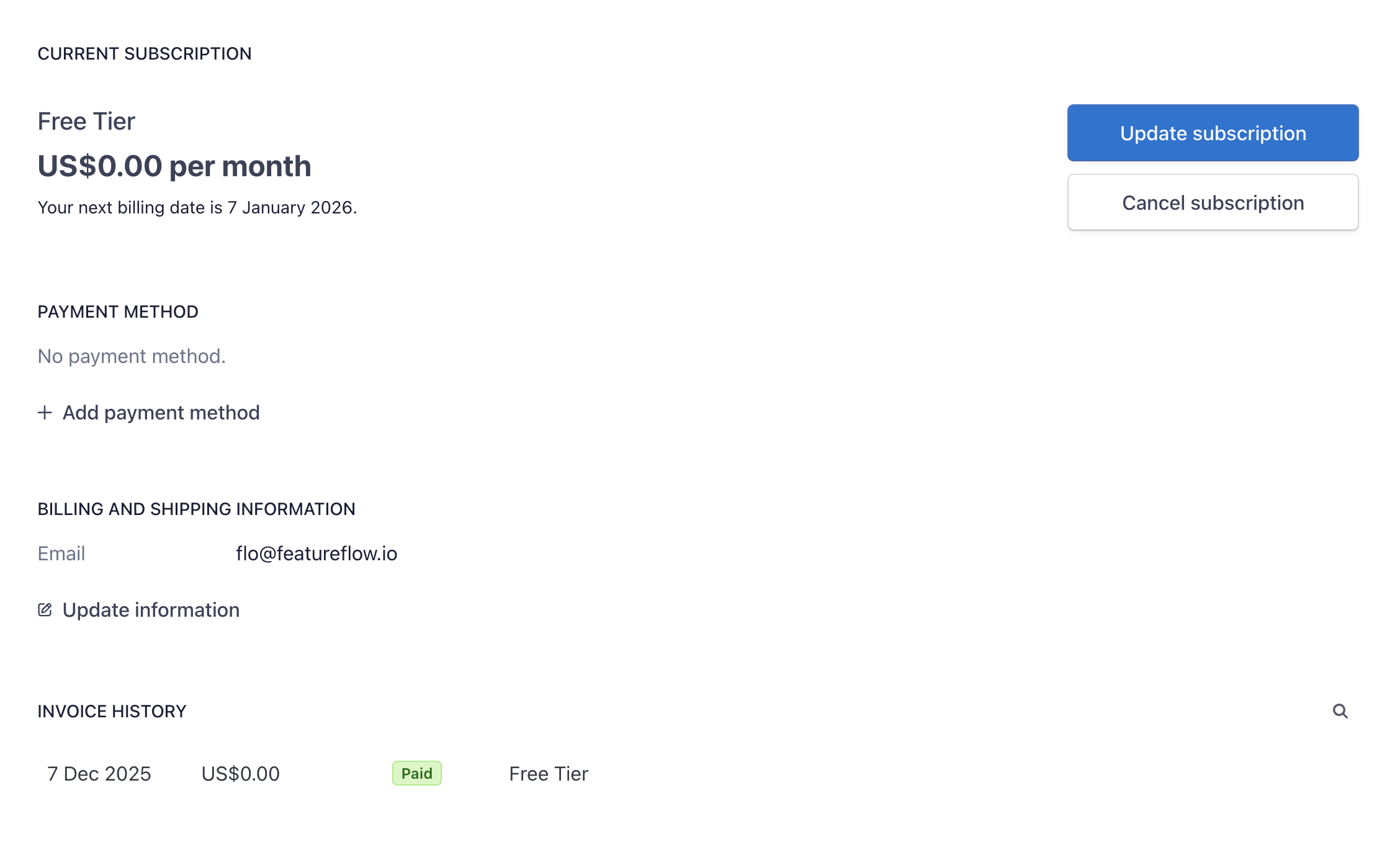
Click Manage Billing Details to access the billing portal where you can:
- Update your payment method
- Change billing and shipping information
- View your invoice history
Update Subscription
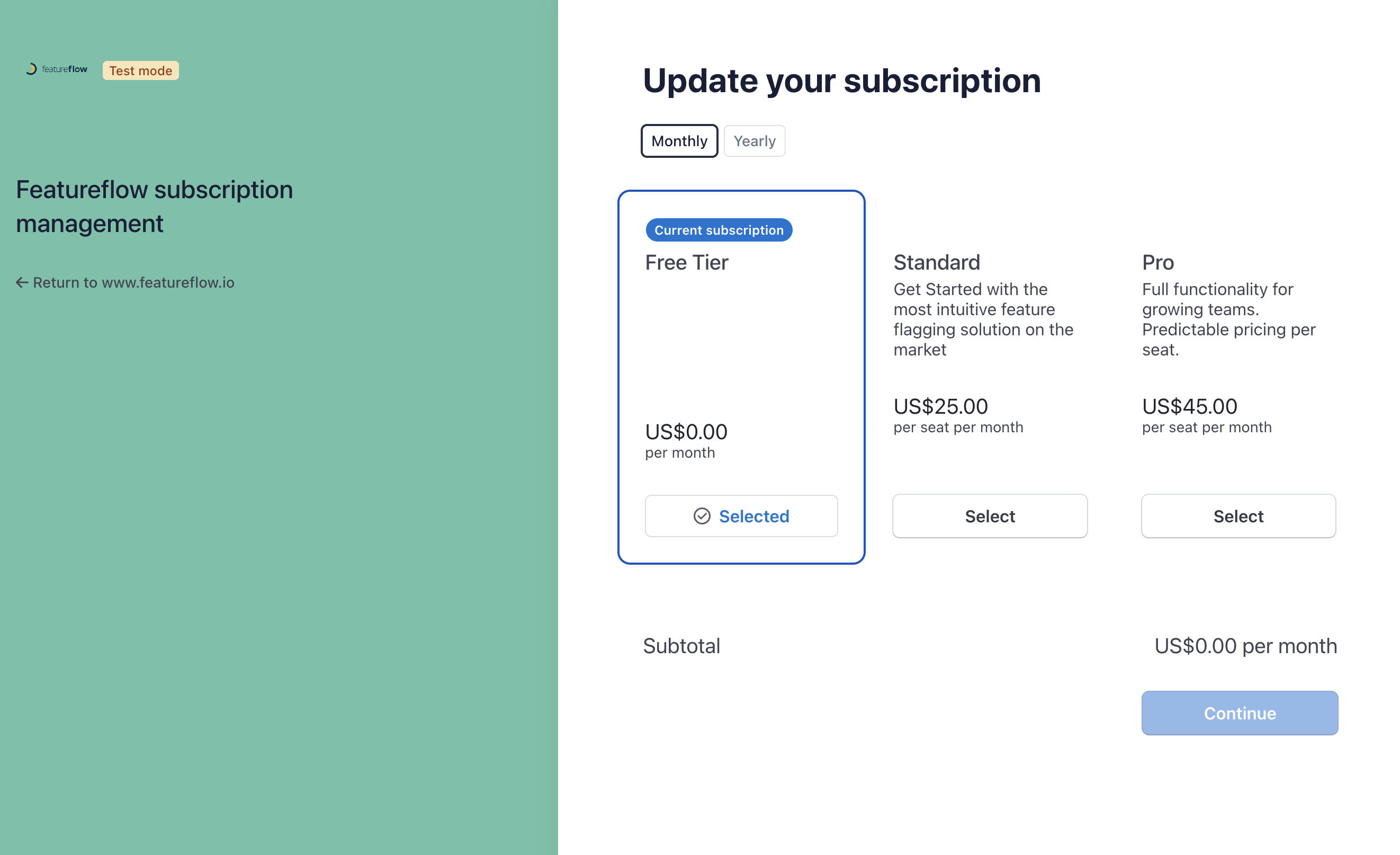
Click Update Subscription to change your plan. You can choose between monthly or yearly billing and select from available plans.
Available Plans
Featureflow offers several plans to suit your needs:
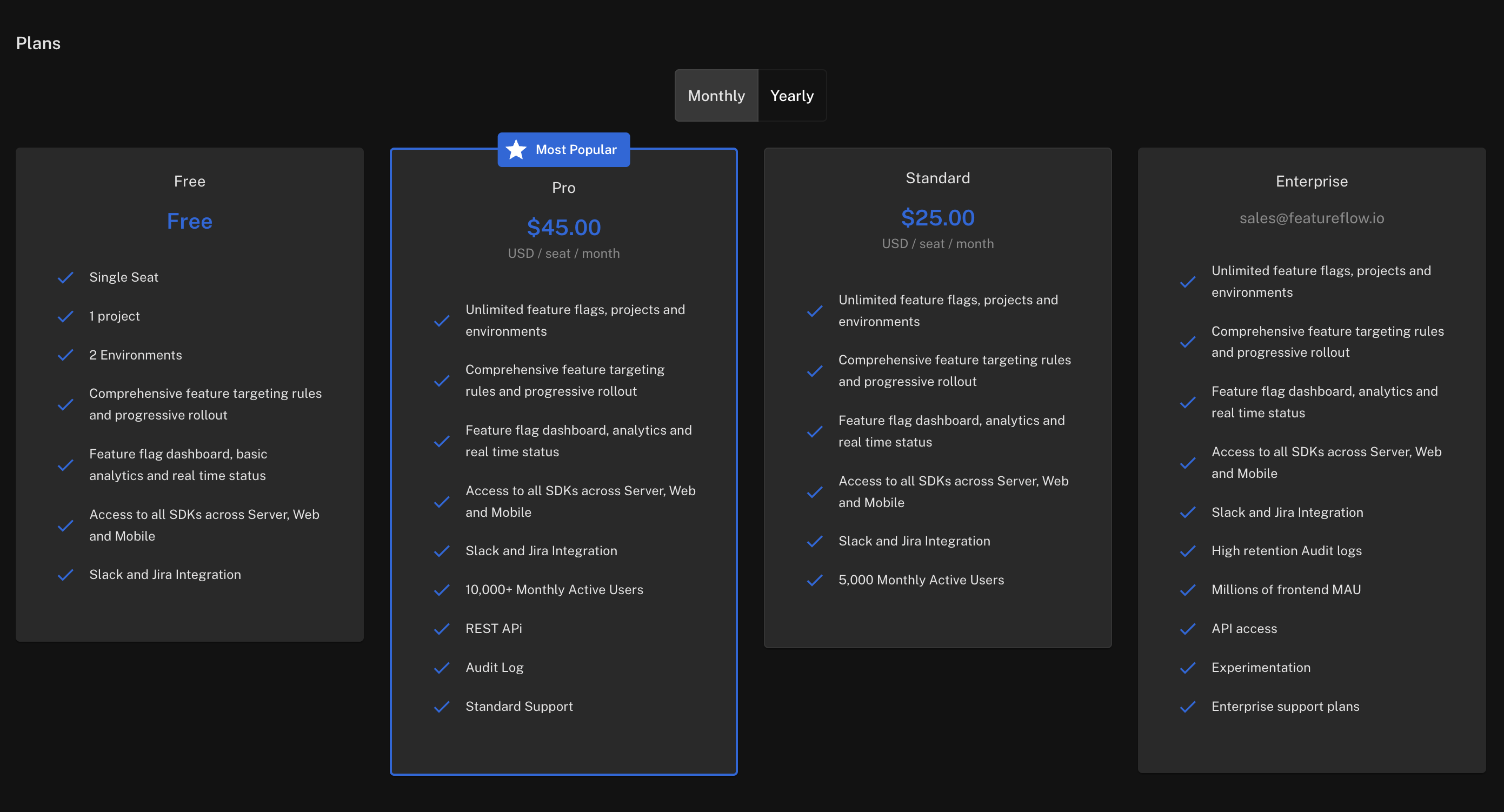
- Free — Single seat, 1 project, 2 environments. Great for trying out Featureflow.
- Standard — $25/seat/month. Unlimited flags, projects and environments with 5,000 monthly active users.
- Pro — $45/seat/month. Everything in Standard plus 10,000+ monthly active users, REST API, and Audit Log.
- Enterprise — Custom pricing. High retention audit logs, millions of MAU, experimentation, and enterprise support.