Admin Teams
The Team tab allows you to manage team members who have access to your Featureflow organisation.
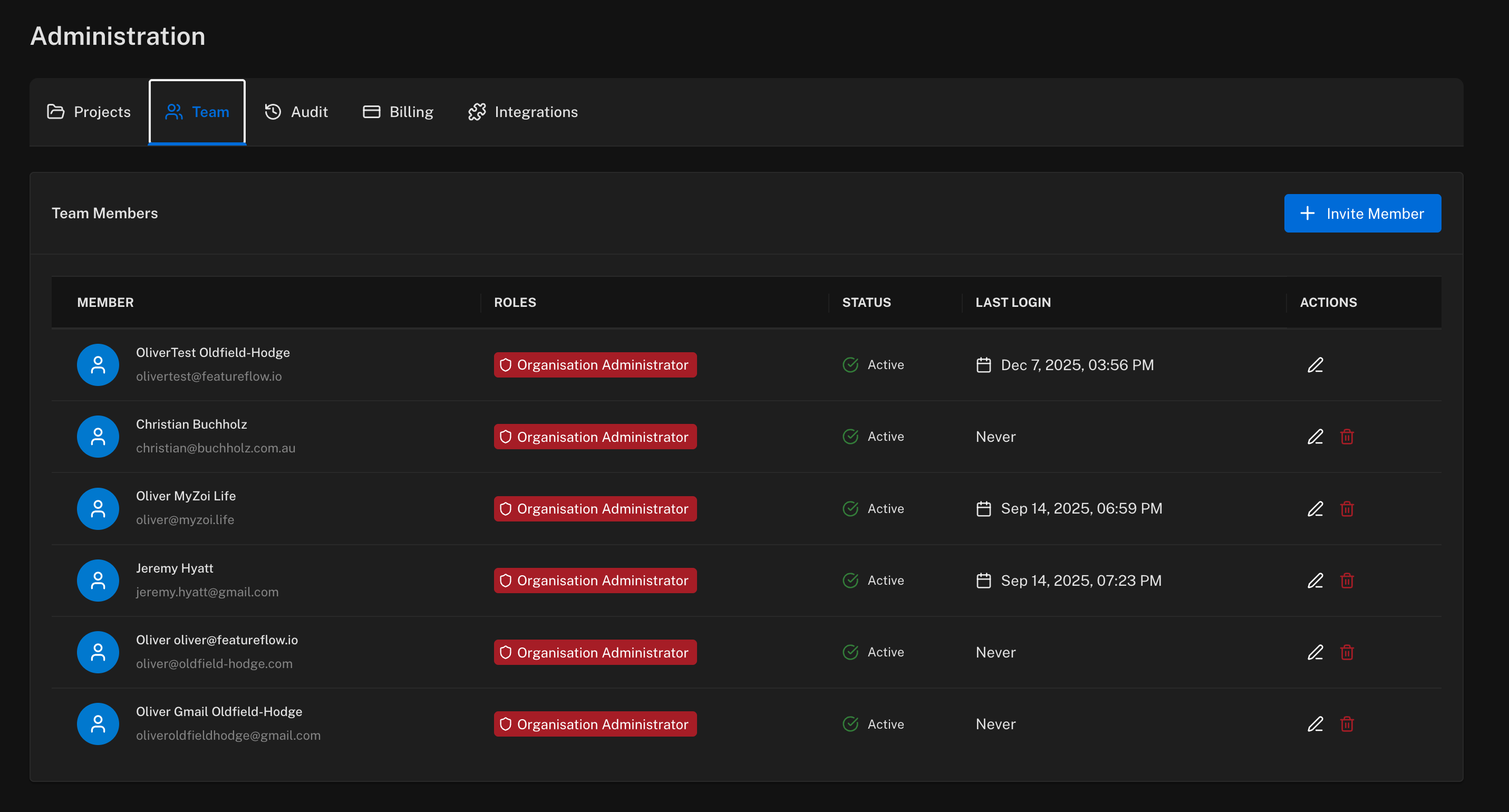
Team Members
The team members table displays:
- Member — name and email address
- Roles — the assigned role determining their permissions
- Status — whether the member is active or pending
- Last Login — when the member last accessed Featureflow
- Actions — edit or delete the member
Inviting Team Members
Click + Invite Member to add new users to your organisation.
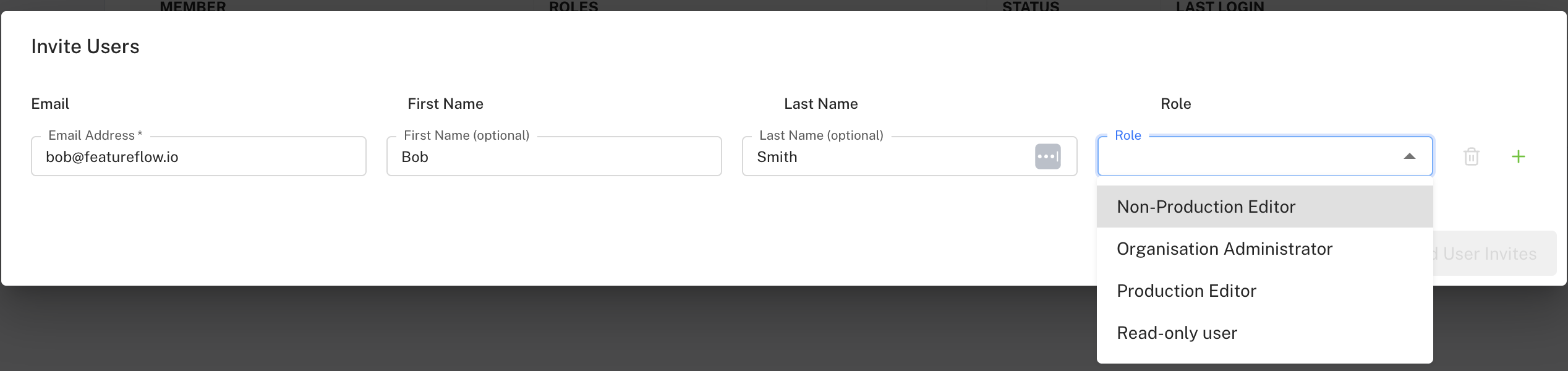
For each user, enter:
- Email Address — required
- First Name — optional
- Last Name — optional
- Role — select from available roles
You can invite multiple users at once by clicking the + button to add additional rows.
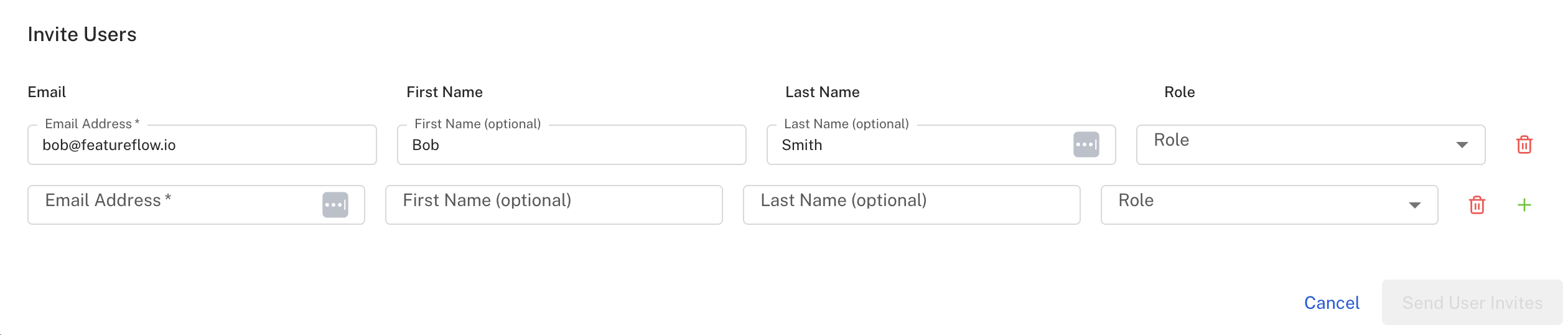
Available Roles
- Organisation Administrator — full access to all features and settings
- Production Editor — can edit features in all environments including production
- Non-Production Editor — can edit features in non-production environments only
- Read-only user — can view features but cannot make changes
Click Send User Invites to send email invitations to the specified users.
Editing Team Members
Click the edit icon in the Actions column to update a team member's details.
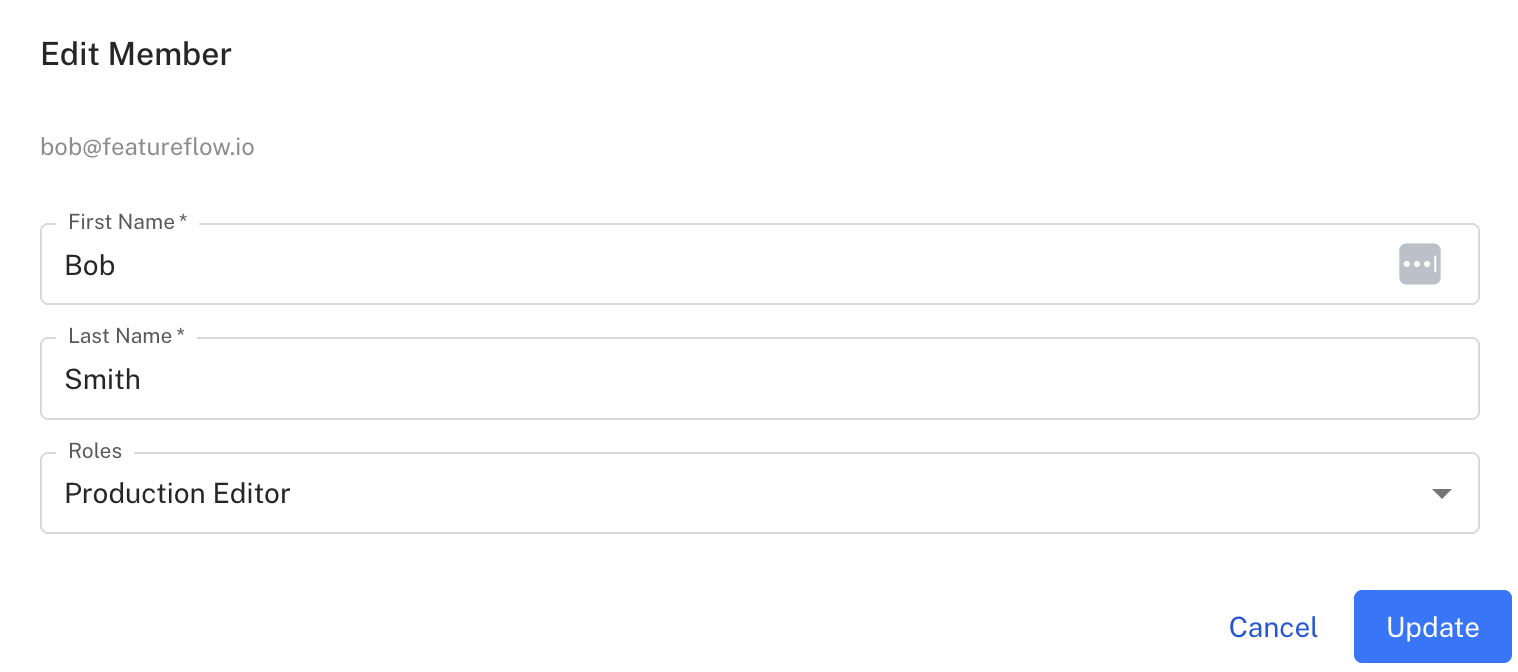
You can update:
- First Name
- Last Name
- Roles — change the member's permission level
Note: The email address cannot be changed after the member is created.
Deleting Team Members
Click the delete icon in the Actions column to remove a team member.
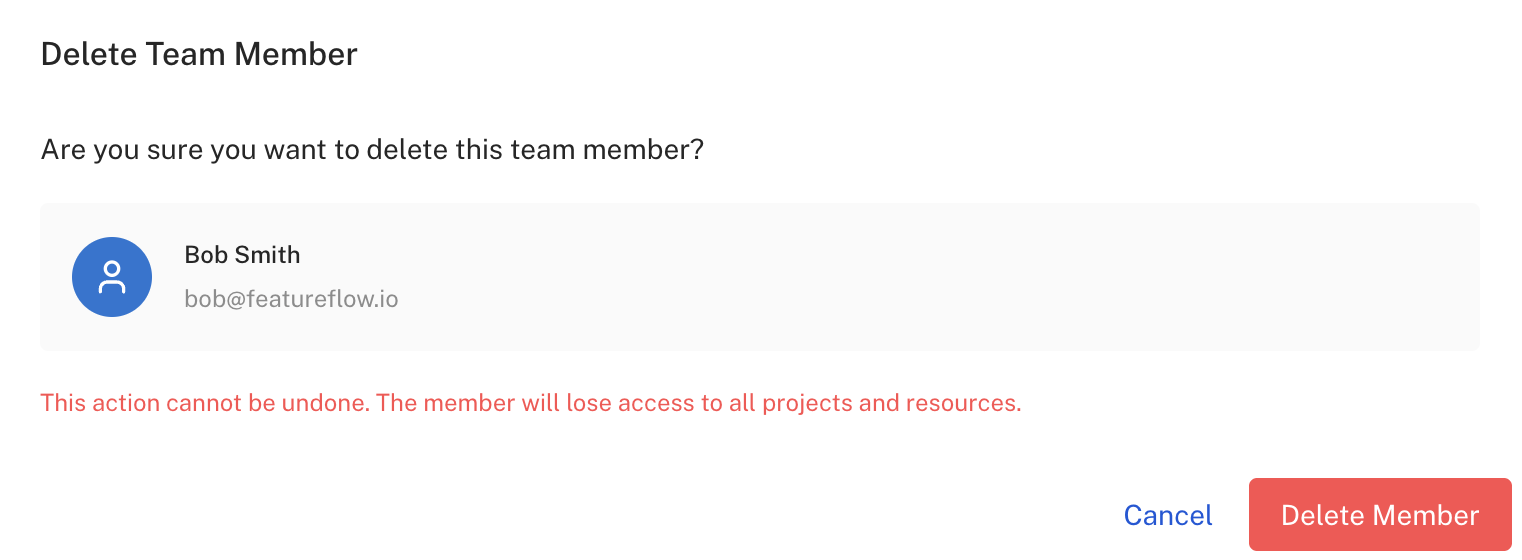
This action cannot be undone. The member will lose access to all projects and resources in your organisation.